How does this solution work?
Retail RFID associates a tagged item with a product record, then uses observations to support inventory or a defined transaction. A handheld stock check, a checkout reading area and a refrigerated cabinet have different technical requirements. Design the item data, reading boundary and exception process together before selecting readers, antennas or retail tags.
Establish item data and tag placement
Choose how each item receives a unique identifier and how that identifier connects to SKU, price and stock records. Test the tag on the actual packaging. Apparel labels and tags for liquid-filled containers require different evaluation. Decide how sold items, returned items and replacement tags are handled, with clear customer information about the RFID use.
Select the reading task
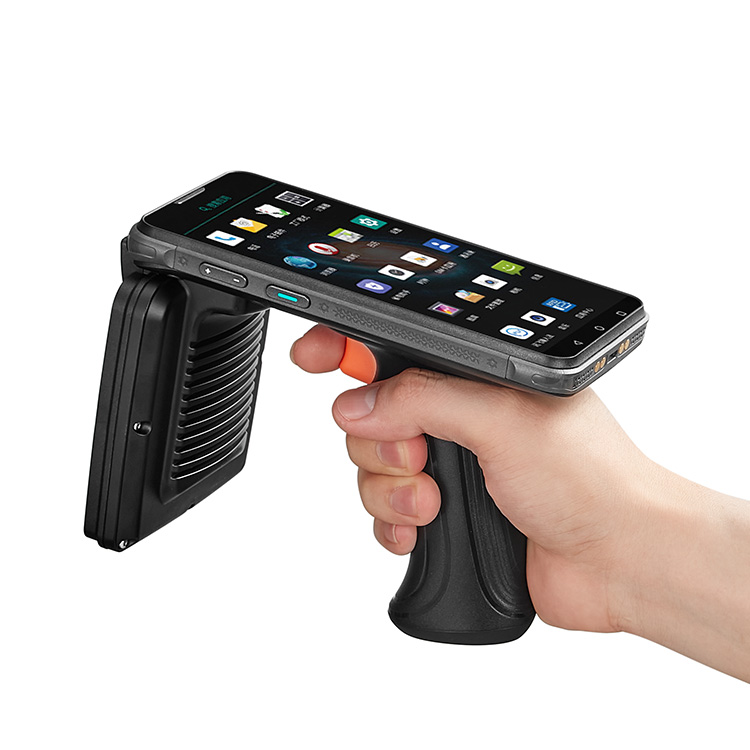
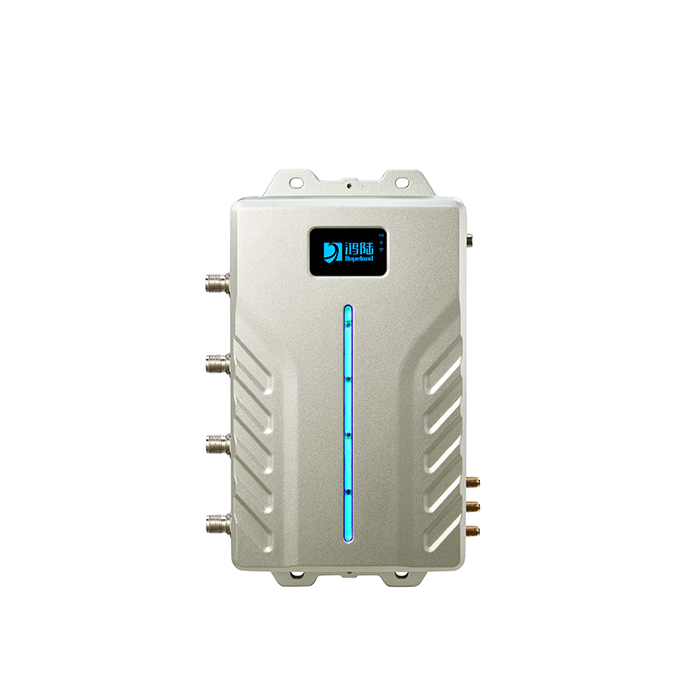
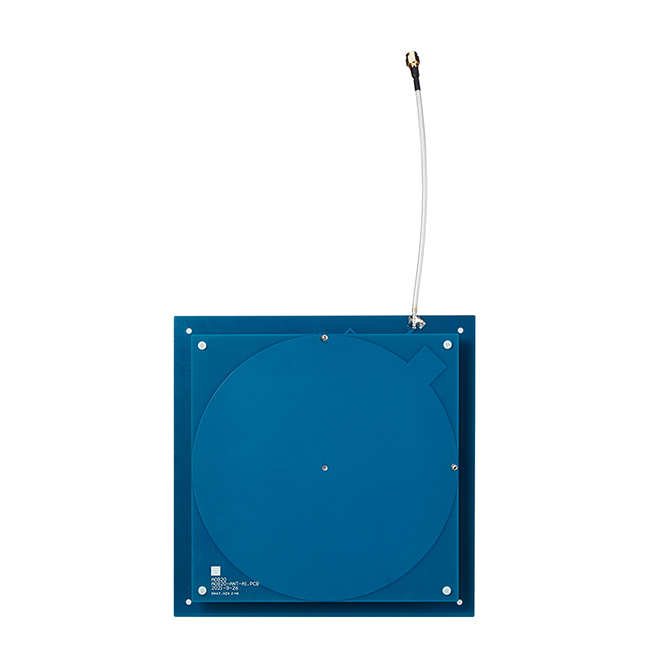
For shop-floor stock checks, assess a handheld reader against rack density and operator workflow. For a cabinet, evaluate a multiport fixed reader and antenna arrangement using fully stocked shelves. Hopeland also lists a near-field antenna for localized reading tasks. The antenna label alone does not establish a reliable transaction boundary; test neighboring products and different item positions.
Reconcile observations with the transaction
Connect the RFID subsystem to the inventory or retail application and define when a purchase is confirmed. For an unattended cabinet, compare relevant inventory states and provide a recovery route for ambiguous changes. Include restocking, simultaneous item movement and network outages in testing. Payment authorization, refunds and customer support remain explicit parts of the retail system.
Plan your project brief.
- Provide representative SKUs, packaging, liquids and any metallic contents.
- Define unique item identifiers and the link to catalog and transaction records.
- Supply cabinet or checkout dimensions, shelf materials and neighboring stock positions.
- Test replenishment, returns, partial removals and ambiguous inventory changes.
- Agree customer notice, exception resolution and retail-software integration requirements.
Validate the basket decision.
Inventory observations and payment are different events. Establish which evidence confirms a basket and which condition needs reconciliation.
Fields to retain
Trial ID · Baseline stock · Removed IDs · Returned IDs · Final stock · Transaction state · Exception · Resolution
- Include simultaneous removal and return of items.
- Test restocking and a fully loaded cabinet where relevant.
- Define the exception process before payment is finalized.
This is a planning template. Empty fields are not test results or evidence of a completed RAVODEX deployment.
Common questions
Can every packaged drink use the same retail tag?+
Liquid, container construction and tag placement affect the installation. Evaluate representative products and fill levels rather than assuming an apparel label is suitable. Retest when the packaging or item position changes.
Does identifying a removed item complete a payment?+
No. Identification is one input to the transaction logic. The retail application must reconcile the basket, authorize payment and resolve uncertain readings or failed transactions. Those interfaces and recovery procedures should be part of the project specification.